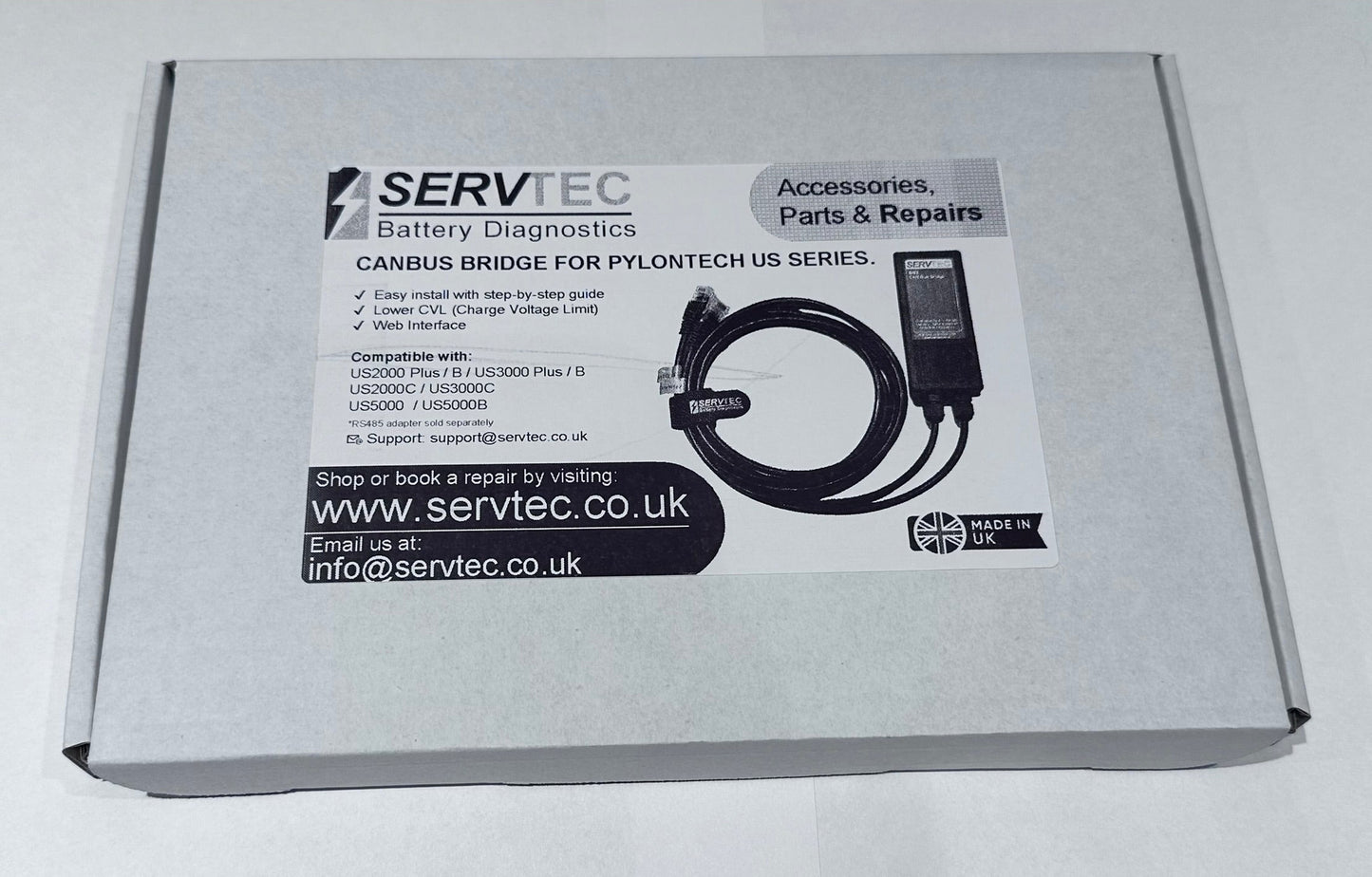
Stop Charging to 53.2 V – Protect Your Pylontech Batteries the Smart Way
The ServTec CAN-Bus Bridge is a plug-and-play interface designed for installers, engineers, and battery specialists who want finer control over the maximum charge voltage published by Pylontech US-Series batteries.
Installed inline with the CAN-Bus cable between the master battery and inverter, the bridge allows you to override the factory “recommended charge voltage” of 53.2 V via a built-in web interface — ideal for systems where the inverter cannot override the battery-published CVL.
What This Device Does
Prevents your inverter from charging Pylontech batteries to 100 % SOC and 53.2 V
Allows the Charge Voltage Limit (CVL) to be reduced (e.g. 52.2 V or lower) using a simple web interface
Helps reduce stress on ageing batteries by lowering peak charge voltage
Keeps cell voltages within the flat LiFePO₄ charge curve, reducing imbalance and cell swelling
Passes all other CAN-Bus messages through untouched (SOC, SOH, limits, alarms, status)
Displays live battery and system data directly from the master battery
New Firmware Features (v1.0.5+)
Built-in Wi-Fi Access Point
No app required
Connect directly from a computer, phone, tablet, or laptop
Optional connection to your home or site Wi-Fi network
Large SOC Display Mode
Dedicated full-screen SOC page
Ideal for mobile devices and commissioning
Displays SOC, voltage, current, and power (V×I)
Enhanced Battery Diagnostics
System-level data decoding (ICD 2.4.x)
Minimum and maximum cell voltage with module location
Cell temperature extremes
Module status (charge/discharge allowed, comms state)
Total system capacity and module count
Supports LV Hub and multiple groups.
Advanced CAN Diagnostics
Per-bus CAN RX/TX counters (Battery vs Inverter)
Optional CAN message descriptions
Serial debug mode for engineers and diagnostics
User-Upgradeable Firmware
Update via USB-C as new features are released
Supported Batteries
US2000 Plus / Plus-B
US3000 Plus / Plus-B
US2000C
US3000C
US5000 / US5000-B
Also compatible with other batteries and BMS devices that emulate the Pylontech 2016 LV CAN protocol, including some JK-BMS-based systems.
When Should You Use This Tool?
Use the ServTec CAN-Bus Bridge when you want to:
Reduce charge voltage on ageing Pylontech modules
Avoid unnecessary full-voltage cycling
Test system behaviour at different CVL levels
Diagnose battery or inverter CAN-Bus behaviour
Extend battery service life in retrofit installations
Disconnect the existing CAN-Bus cable from the master battery
Insert the bridge inline between battery and inverter
Power the bridge
Access the web interface to confirm status
Power up batteries and inverter
Verify the published charge voltage has changed on the inverter
The bridge ships preconfigured with a default CVL of 52.2 V. Lower values (e.g. 51.8 V) are supported, but SOC accuracy may reduce due to the flat LiFePO₄ voltage curve.
Important Safety Notice
Use only with well-maintained 15-series LiFePO₄ batteries. Do not use with batteries that are damaged, swollen, unbalanced, or electrically unstable.
Warranty
This product includes a 1-year return-to-base warranty covering manufacturing defects.
Need Help With Compatibility or Setup?
Our UK-based support team can help with inverter compatibility, CAN pinouts, alternative BMS systems, and commissioning advice.
Protect your expensive investment = Pylontech Battery(s)
Pylontech US2000 was the choice of my installer. As a naive, new user I have been on a voyage of discovery. Now monitoring the battery modules using a RPi with Servtec Serial cable. Heating in winter with DIY heat pads. Currently trying to avoid the pouch cell swelling problem by overriding the PylonBMS set Charge Voltage Limit(CVL) of 53.2V, using this Servtec Bridge. CVL changed to 52.0V and the sporadic overcharge of individual calls appears to have been eliminated. Early days, but looking positive.
Protect your expensive investment = Pylontech Battery(s)
Pylontech US2000 was the choice of my installer. As a naive, new user I have been on a voyage of discovery. Now monitoring the battery modules using a RPi with Servtec Serial cable. Heating in winter with DIY heat pads. Currently trying to avoid the pouch cell swelling problem by overriding the PylonBMS set Charge Voltage Limit(CVL) of 53.2V, using this Servtec Bridge. CVL changed to 52.0V and the sporadic overcharge of individual calls appears to have been eliminated. Early days, but looking positive.
Choosing a selection results in a full page refresh.